Adreach is a digital service provider that offers agency accounts to businesses and advertisers. Our focus is on providing a secure and reliable platform for clients to manage their advertising activities.
Overview
PayPal is available as a secure and convenient payment option for topping up your account balance.
A 7.5% top-up fee applies to all PayPal transactions.
This guide provides step-by-step instructions to help you complete your top-up quickly and safely.
Step 1: Select PayPal as Your Payment Method
On the Top-Up page, choose PayPal as your preferred payment option.
If you want to add your second PayPal account, you can do it from this step.
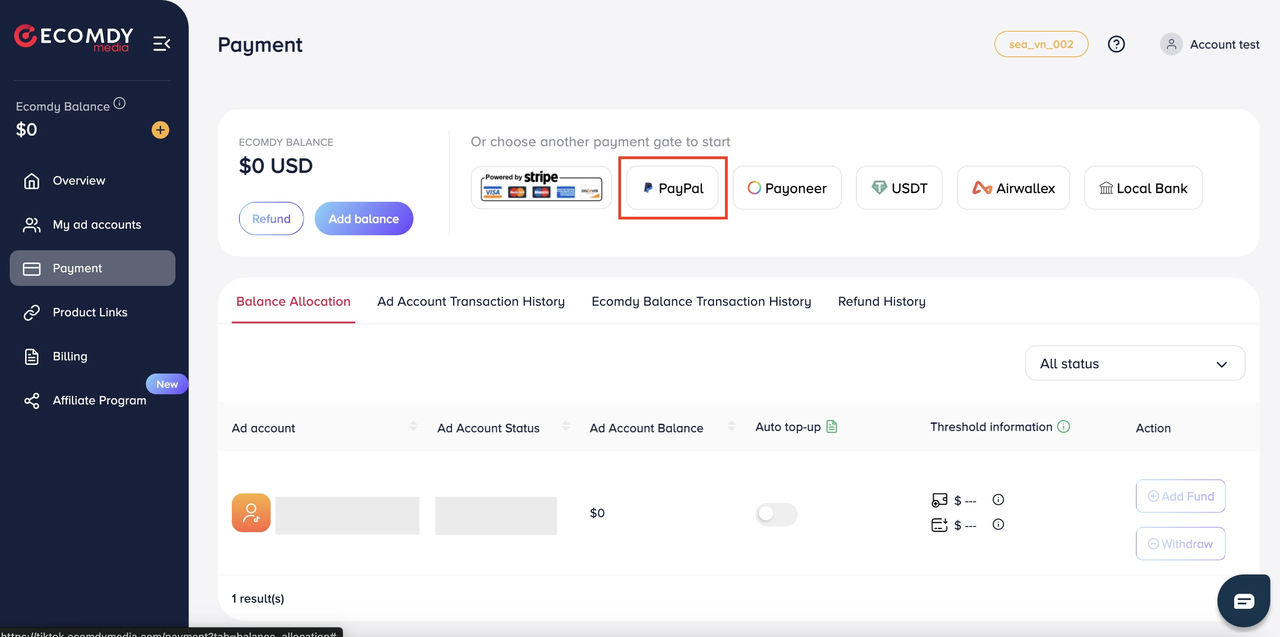
Go to Payment.
Select PayPal under the available payment methods.
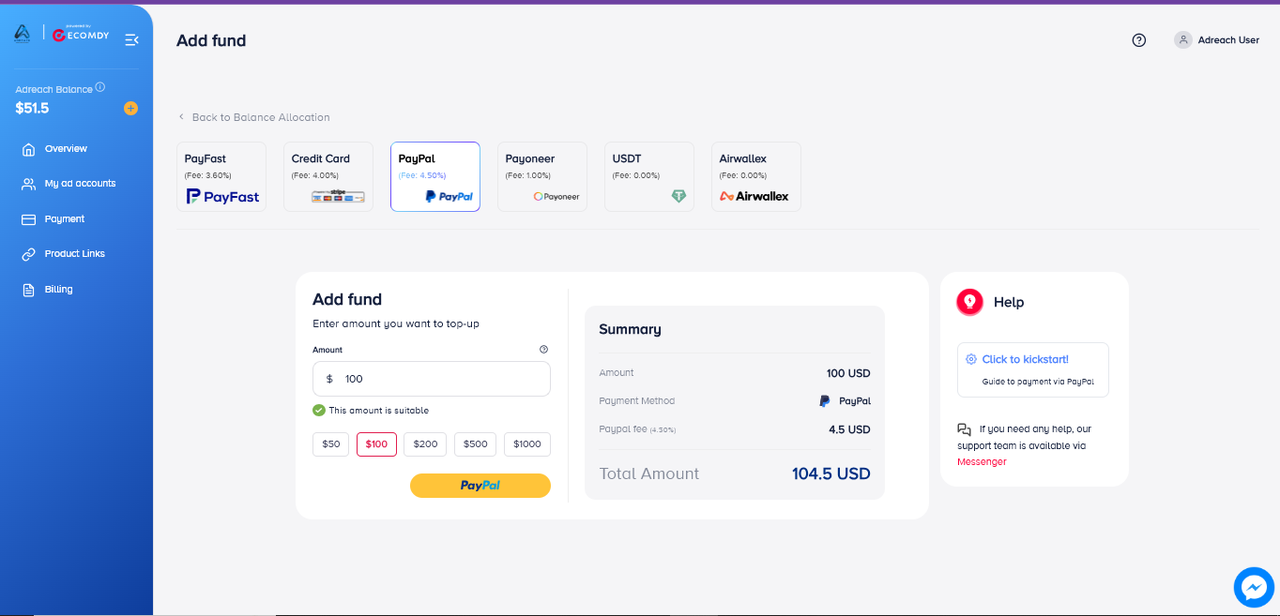
Step 2: Choose the Top-Up Amount
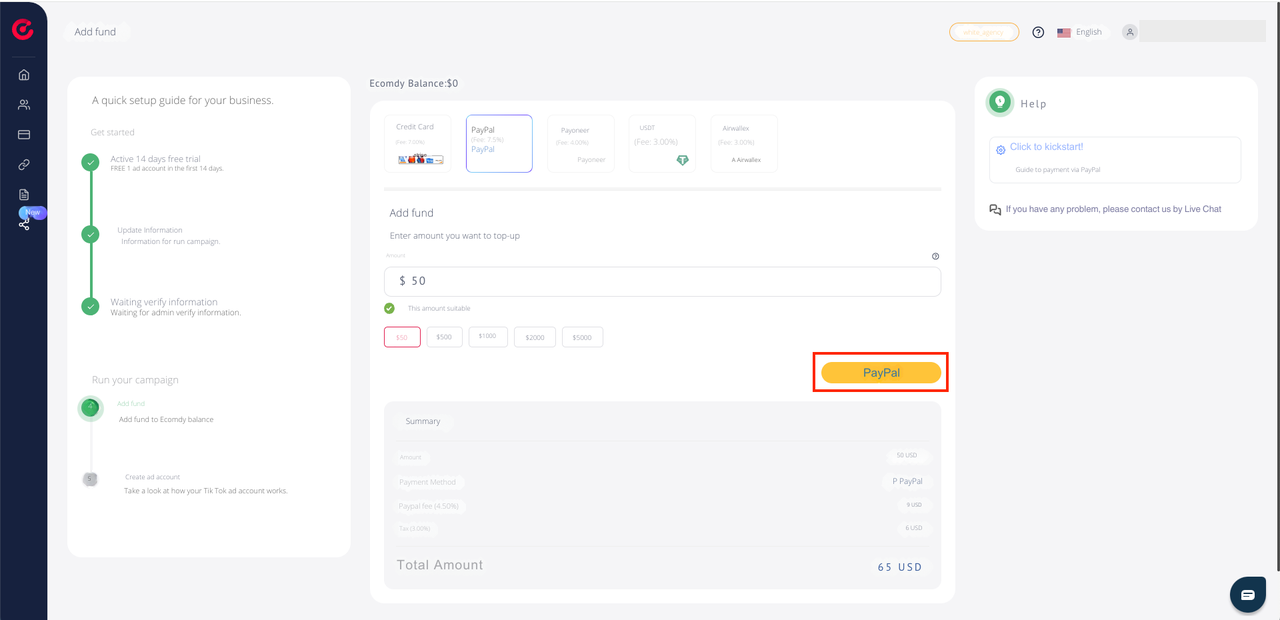
Select the amount you wish to add to your account.
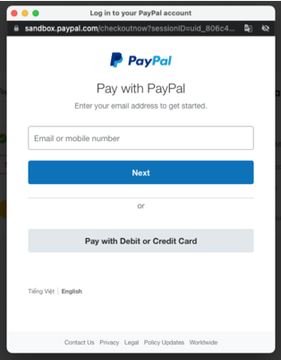
Click PayPal to connect to your PayPal account.
Step 3: Sign in to Your PayPal Account
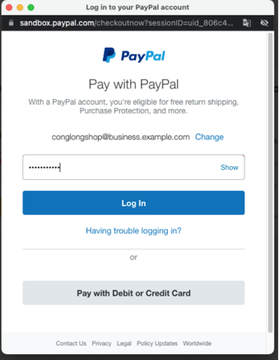
Enter your PayPal email address and password.
Click Log In to continue.
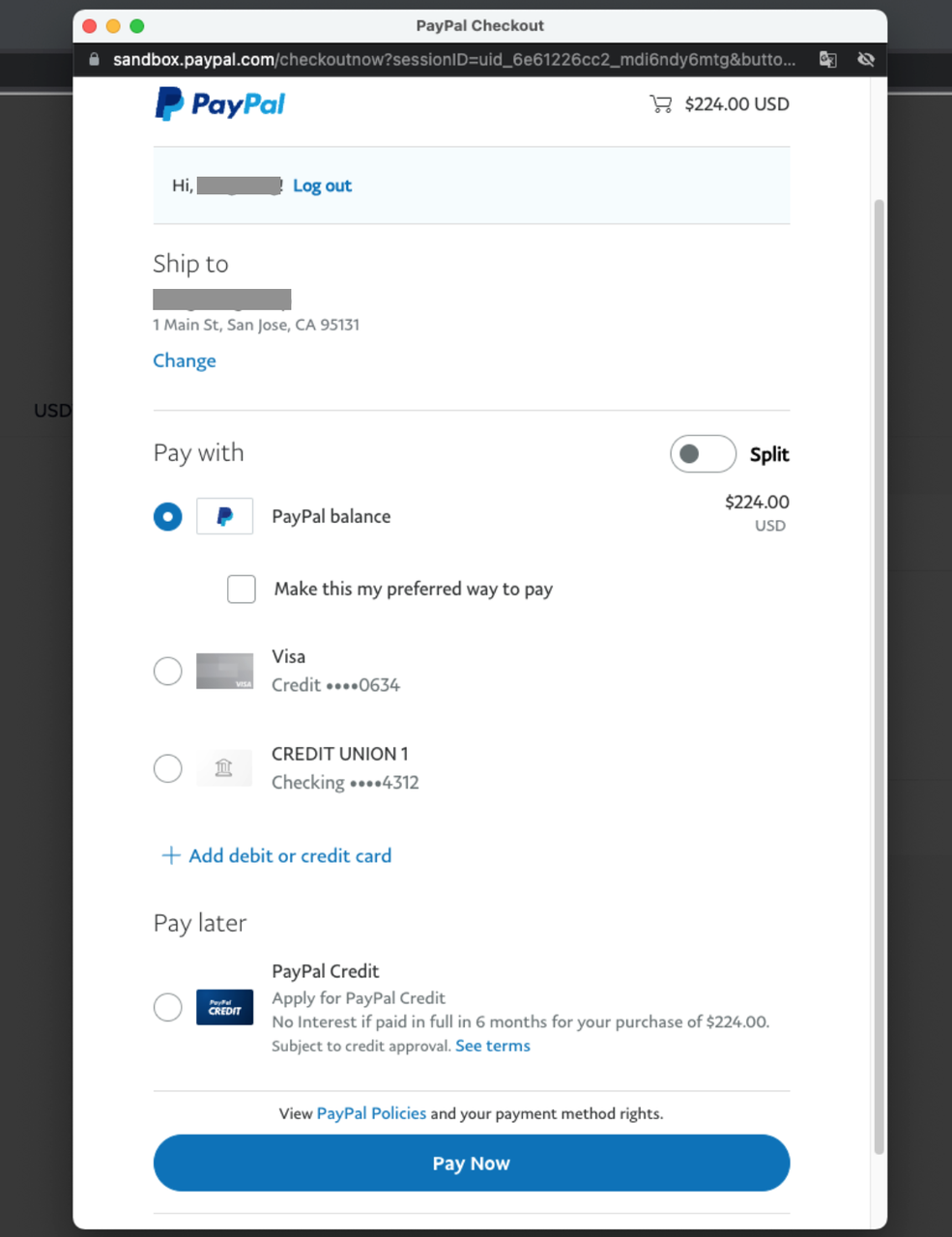
Step 4: Confirm Your Payment
Review the transaction details in the PayPal Checkout window.
Ensure that the payment amount and recipient details are correct.
Click Pay Now to complete the transaction.
Step 5: Verify Your Top-Up
Once the payment is successful:
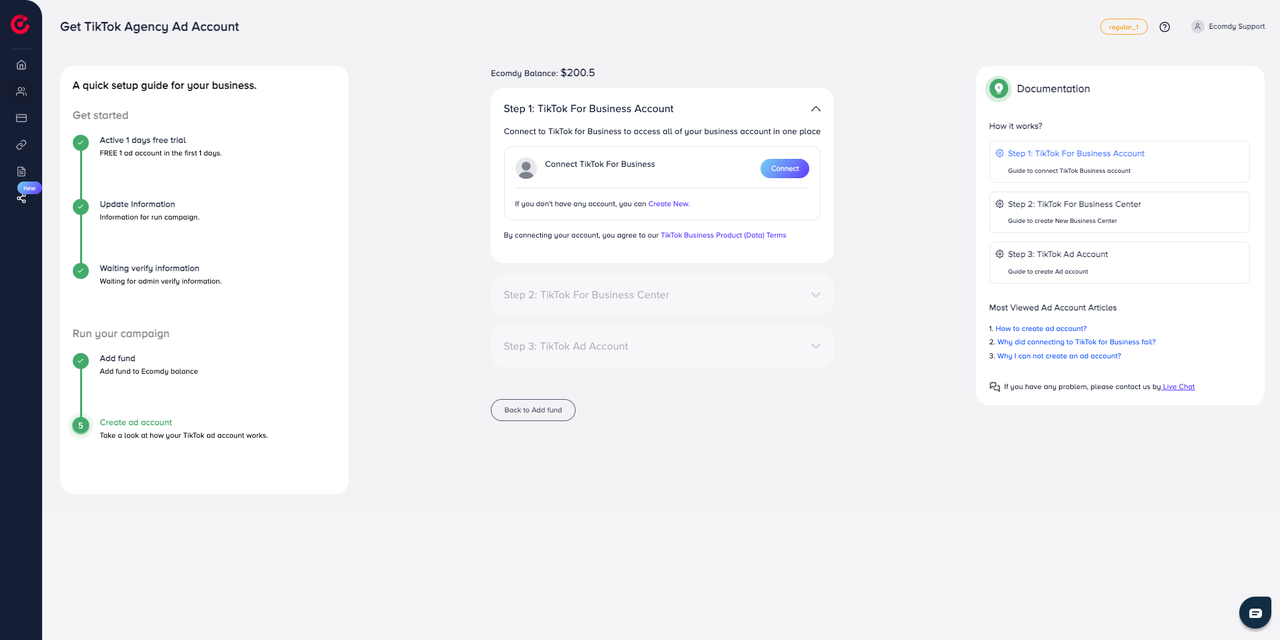
You will be redirected to Step 4 of the top-up process.
Reload the page or press F5 to update your Ecomdy Wallet balance.
Completion
Your top-up has been successfully processed. The new balance should now appear in your Ecomdy wallet.
Need Assistance?
If you experience any issues or require help during the top-up process, our Support Team is available to assist you.

 +92-337-2499502